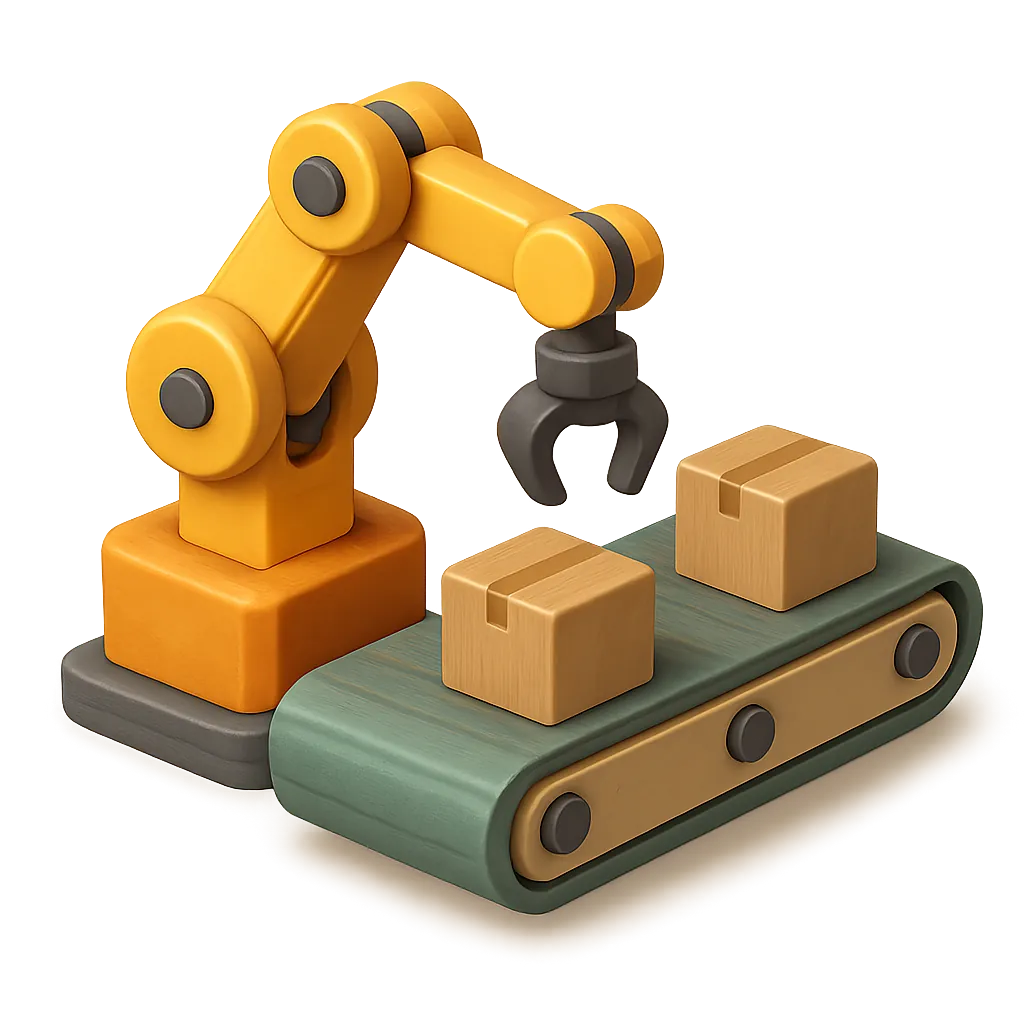
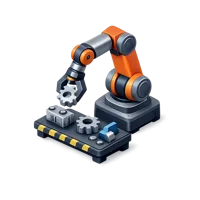
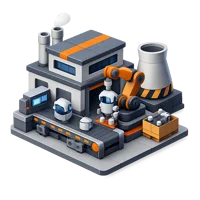
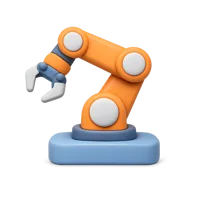
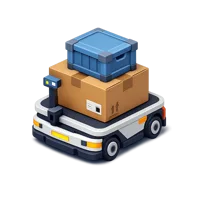
A factory arm mid-task, this Assembly Line Robot icon captures the mechanical side of making things at scale. It fits manufacturing dashboards, industrial automation explainers, robotics startup sites, and presentations about production lines, warehousing, or smart factories. If your design needs a clear symbol for machines doing repetitive work, this gets there fast. It is free for commercial use, and the free plan just asks for a credit.
The Assembly Line Robot icon is a 3D render with soft studio lighting, gentle shadows and a silhouette that stays readable from a hero section down to a 48-pixel UI slot. It ships as a transparent-background PNG, so it drops in without masking or background removal.
Designers reach for it most in SaaS marketing sites, developer documentation, feature comparison tables and product tours, and it suits software companies, IT services, AI products and hardware brands. It belongs to the Robot set in Technology. It also appears in the AI & Robotics pack.
Sizes on offer are 1024, 512 and 256 pixels, free for personal and commercial projects with a credit to Thridy. Download it free, or request a custom variation if your project needs a different angle, colour or companion icon.

.webp?w=200)