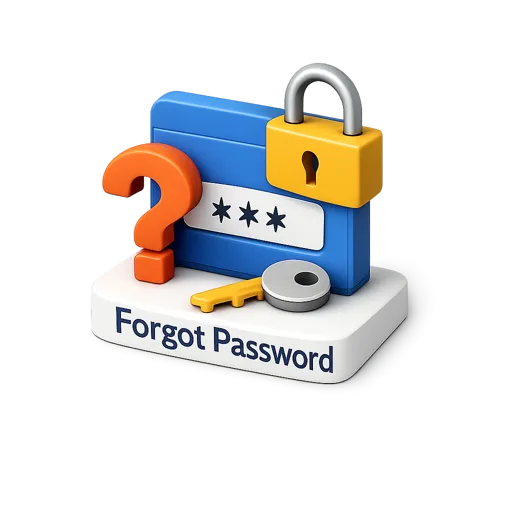
A clean isometric 3D forgot password icon for login recovery flows, account access screens, and authentication interfaces. Useful in apps, websites, support pages, and onboarding designs that highlight password reset actions. Free to download, it fits modern security, identity, and user account visuals.
Forgot Password is an isometric 3D render, carrying the same soft lighting and clean edges as everything else in the library. The download is a transparent PNG at full resolution, ready to place straight onto a layout.
Pair it with the rest of UI & Interface and the set reads as one family, which is the point of a single rendering style: a screen full of mixed sources never quite settles.
It earns its place in landing pages, mobile app interfaces, presentations, infographics and social media graphics, and works particularly well for startups, agencies, product teams and content creators. Download it free, or request a custom variation if your project needs a different angle, colour or companion icon.